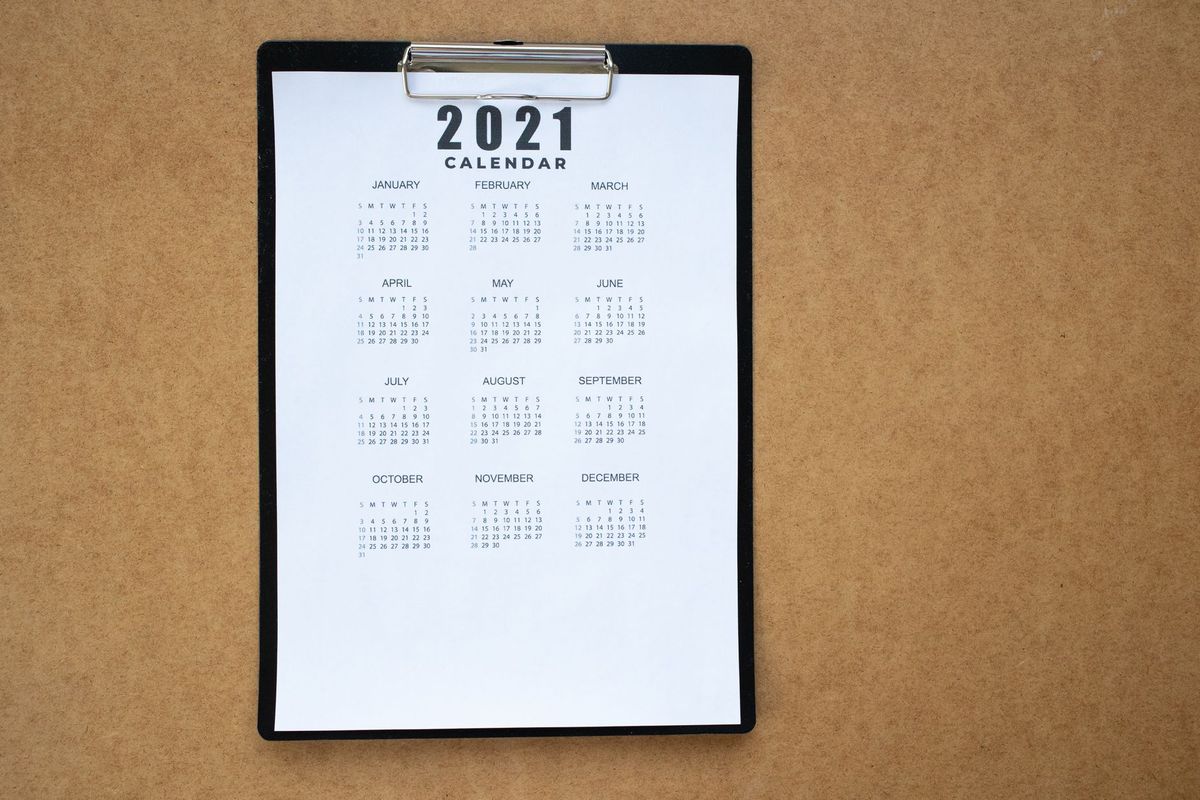
How to Organise University Notes by Module and Week
Two weeks before an exam, you need one specific thing: what your lecturer said in week four about the topic you never quite understood. If your notes live in a single running document, finding it means scrolling and guessing. If they live in a folder called PSY101 / Week 04, it takes ten seconds. That difference is the whole point of a module-and-week filing system.
Why module-then-week beats one big pile
Most students file notes by topic, because topics feel meaningful. The problem is that topics reappear. Memory shows up in week three, week seven and again in the revision lecture, and each time you have to decide where the new version belongs. Weeks don't move. They map directly onto the teaching schedule, the seminar you missed, and the reading list you were given. When a lecturer says "as we covered in week six", you can go straight there.
Module first, then week, then document type. That order matters: you almost always arrive knowing which module you're revising, and only then which week you need.
Set up the skeleton in ten minutes
Do this once per module, ideally before teaching starts but honestly any time in the first fortnight. Create the module folder using its code and title — PSY101-Intro-Psychology — then the same set of subfolders inside every module, so your hand knows where to go without thinking.
- 00 Admin — module handbook, assessment briefs, deadline dates, tutor contact details
- 01 Lectures — slides, your notes, lecture capture links
- 02 Seminars and tutorials — prep notes, discussion points, anything the tutor added
- 03 Readings — your notes on each set reading
- 04 Assessments — plans, drafts, submitted versions
- 05 Feedback — marked work, marking criteria, your running list of recurring comments
- 06 Revision — summaries, past papers, mock answers
Inside 01 Lectures, make one folder per teaching week: Week 01, Week 02, and so on. Use two digits so the folders sort properly. If your course has a reading week or a revision week, give it a folder too. Empty folders are useful — an empty Week 09 is a visible reminder that something hasn't been filed.
Name files so they sort themselves
Filenames do more work than most people give them credit for. A consistent pattern saves you opening five documents to find the right one. Something like this:
- PSY101_W04_Lecture_Memory-Systems.pdf
- PSY101_W04_Seminar-Notes.docx
- PSY101_W04_Reading_Baddeley-notes.md
Keep the module code at the front, the week in the middle, and one or two words describing the topic at the end. Use hyphens rather than spaces if you sync files across devices, and never save anything as "final-final-v2". If you need versions, date them: 2026-03-14 sorts chronologically and reads unambiguously.
A fifteen-minute end-of-week routine
Folders only work if something goes into them. Pick a fixed slot — Friday afternoon works for many people, because the week is still fresh and the weekend hasn't started — and run the same five steps.
- Empty your downloads folder and your notes app inbox into the correct module and week.
- Write a one-page summary of the week: three things you must remember, any questions you still have, and the reading it connects to.
- Separate what was said from what you think. A horizontal line or a different colour is enough; the distinction matters when you revise.
- Move your unanswered questions into a "ask in seminar" note so they don't evaporate.
- Update your deadline list and check the next week's reading list.
A week's delay roughly halves how much you'll remember of the detail, which is why fifteen minutes now is worth an hour later.
Readings: file the note, not the PDF
Reading notes usually fail because they're just highlighted text with no thinking attached. Instead, keep one note per reading, filed in the week you were assigned it, containing four things: the full reference in your department's style, three to five bullet points in your own words, one line on how it connects to that week's lecture, and a page number for any quote you might actually use.
If the same text appears on two weeks' lists, don't duplicate it. Keep the note where you first met it and add a cross-reference line in the other week's summary. Duplicates drift apart, and you'll never be sure which version is current.
Keep feedback at module level, not week level
Feedback is the part almost everyone files badly. It arrives by email, on a marked script, through the virtual learning environment, and sometimes as a sentence spoken after a seminar. Put all of it in 05 Feedback for that module, alongside the marking criteria and the assessment brief it relates to.
Turn comments into a checklist
Then do the thing that actually raises marks: keep a single running list of the comments that recur. If "describes rather than evaluates" has appeared twice, write it at the top of your next draft and tick it off before you submit. If a comment doesn't make sense, ask — a short email to the module tutor or a question at the end of a seminar is a completely normal thing to do, and most staff would rather explain than mark the same mistake again.
Paper notes and the digital copy
Handwritten notes are often better for thinking, but terrible for finding. The compromise is simple. Keep one notebook per module, number the pages, and start with an index page at the front. At the end of each week, photograph or scan that week's pages and drop them into the matching week folder. The notebook stays your working space; the folder becomes your searchable archive.
One colour per module is plenty for highlighting. Elaborate systems — six pens, four sticky-note colours, a diagram key — tend to collapse in week five because you spend more time maintaining the system than using it.
Making revision a byproduct
If the structure is right, revision stops being a scramble. You open a module folder, walk through the weeks in order, and read the one-page summaries you wrote at the time. You'll spot the gaps immediately: a week with two lines in it, a reading with no note, a topic you nodded along to and never checked.
Four habits hold the whole thing together:
- Fifteen minutes at the end of every teaching week, without exception.
- Keep the tree shallow — module, category, week, file. Deep nesting hides things.
- Do a five-minute audit at the end of each month and fix anything misfiled.
- Back it up. Your university's cloud storage plus one other copy is enough.
The best measure of a filing system is how little time you spend on it. Set it up once, feed it each week, and by the Easter break you'll have a revision resource that already exists rather than one you have to build from scratch.
Photo: Anete Lusina / Pexels

You Might Also Like
Time blocking turns scattered notes into clear next steps. Learn how to schedule short, repeatable note-processing sessions that fit around real work.
A practical, step-by-step method for backing up, archiving and safely deleting old notes, so your system stays searchable without losing anything you might need again.