Digital Declutter: How to Archive Old Notes Without Losing Them
Most note collections don't collapse under the weight of bad ideas. They collapse under the weight of finished ones. The client project that wrapped up in March. The reading notes from a book you later summarised in a single paragraph. The shopping lists, the half-agendas, the phone numbers for tradespeople you'll never call again. Left where they are, these notes keep asking for attention every time you search, sync or scroll — and that low-level noise is what makes a good system feel like a chore. Archiving isn't tidying, and it certainly isn't deletion. It's a deliberate move: everything you might need again goes somewhere safe and findable, and the rest goes away for good.
Decide what "archive" actually means
Before you touch a single file, split your notes into three groups. Active notes are the ones you'll open in the next month or two: current projects, ongoing research, the running list of things to raise with your landlord. Archived notes are finished but potentially useful — you can't remember the details, but you'd want them if a question came up. Deletable notes are duplicates, dead ends and anything you could recreate in five minutes.
The test for the middle group is simple: if a colleague asked you about it in eighteen months, would you rather have the note, or be confident you never needed it? If you'd rather have it, it's archived. If you'd shrug, it's deletable.
Take a full back-up before anything moves
The single most common way people lose notes is by treating sync as a back-up. It isn't. A synced folder mirrors your mistakes immediately and everywhere — delete a file on your phone and it vanishes from your laptop, your tablet and the web app within seconds. A back-up is a separate copy that your everyday actions can't touch.
A back-up routine that takes twenty minutes
- Export the full contents of each notes app you use, using its built-in export or "download all" option.
- Save the exports into one folder named with today's date, for example notes-backup-2025-06-14.
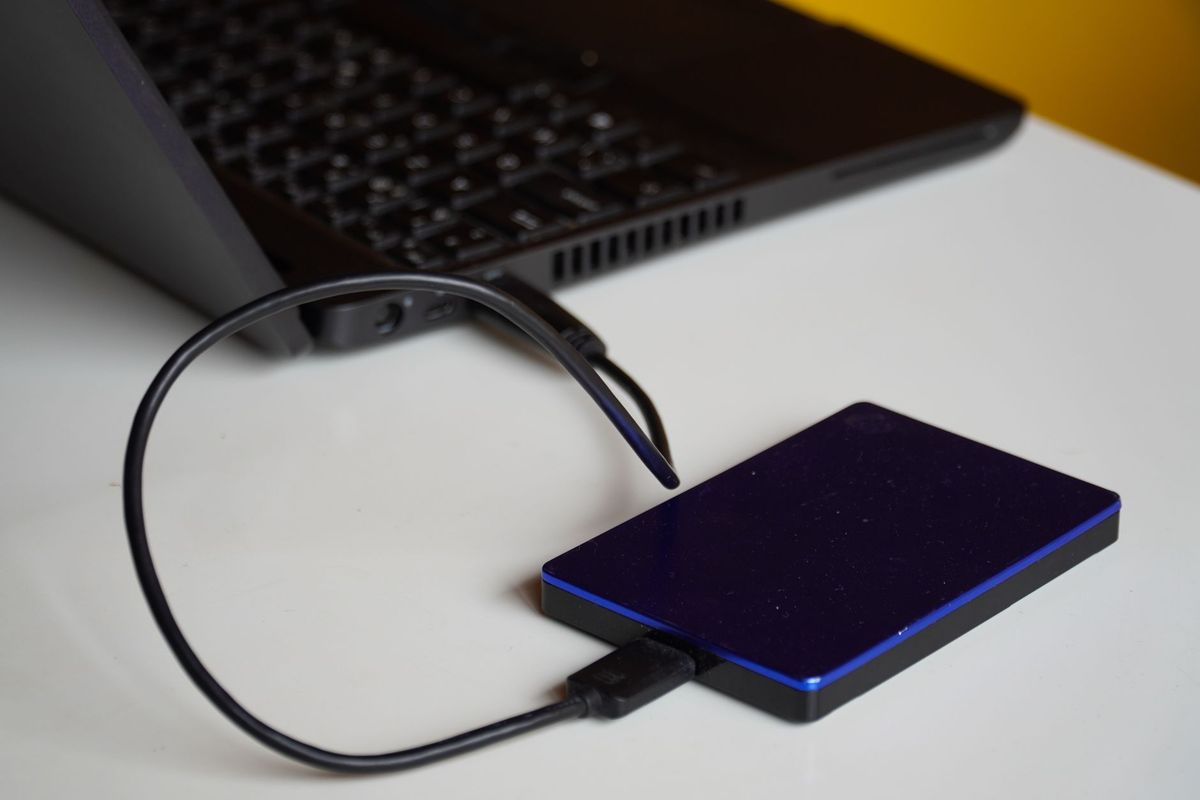
- Copy that folder to two places: an external drive and a cloud folder you don't sync with your notes app.
- Open three files at random from the copy and confirm they contain what you expect.
- Leave the originals alone until the back-up has been checked. Only then start moving things.
If any of your notes relate to tax, contracts, employment or health records, check what you're actually required to keep before deleting anything. Retention rules vary, and it's worth a quick word with an accountant or solicitor if you're unsure.
Sort into three piles, not twenty
Elaborate folder taxonomies are where decluttering projects die. You don't need a system yet — you need decisions. Set a timer for twenty-five minutes and work through one app, notebook or folder at a time. Every note gets a verdict: keep, archive or bin. No maybes, no "I'll decide later".
- Keep only if you've used it in the last month or will use it this month.
- Archive if it's finished, referenced occasionally, or documents something you can't easily recreate.
- Bin if it's a duplicate, a scrapped draft, a list you've completed, or a photo of a receipt that's already filed elsewhere.
If two notes say the same thing, archive the older one and keep the newer. If a note is only useful alongside an attachment — a screenshot, a PDF, a photo of a whiteboard — deal with them as a pair so they don't get separated.
Build a folder structure you can guess your way through
An archive only works if you can find something in it without thinking hard. Aim for a structure you could guess at, even after a year away from it.
- Start with the year, then the subject: 2024 / Client-Bramble, 2024 / Reading-notes.
- Use the words you'd type into a search box, not clever abbreviations.
- Keep it two levels deep. Anything deeper is a filing cabinet you'll never open.
- Prefix anything with a deadline: 2025-01-31 Insurance renewal. Dates sort themselves.
Add a single plain-text index note at the top of the archive. Two or three lines per folder is enough — what's in there and why you kept it. When you come back to the archive in two years, that note will do more for you than any folder name.
Export from apps that hold your notes hostage
Some apps store notes in formats only they can read. If that applies to you, export before you archive, not after. Plain text and Markdown are the safest long-term choices because almost everything can open them. PDF is useful for notes you want to view exactly as they looked. Keep attachments in the same folder as their note, with matching filenames, so the two stay together if the app disappears.
Test with a small batch first — five notes, exported and re-opened. If the formatting survives, do the rest.
Delete in batches, and do it last
The order matters: back up, archive, verify, then delete. Delete by source rather than by type — all of one notebook, or all of one export — so if you do make a mistake, it's obvious which batch caused it.
Before emptying anything, run this check:
- Can you find the archived version in under a minute?
- Does it exist in two separate places?
- Have you opened at least a few archived files to confirm they aren't empty?
Then leave the trash alone for a week. Emptying it immediately removes your safety net for no real benefit.
A ten-minute monthly habit
Decluttering once a year is a big job; doing it monthly is barely a job at all. Pick a date — the first Monday, say — and spend ten minutes moving finished project notes into the archive, clearing your inbox note, and checking one folder for duplicates. Keep your archive out of your daily search results where you can, so it stays a place you visit on purpose rather than a pile you scroll past.
The goal isn't an empty system. It's a system where everything left in front of you is something you're actually using — and everything else is somewhere you can still find it.
Photo: Budget Bizar / Pexels

You Might Also Like
Time blocking turns scattered notes into clear next steps. Learn how to schedule short, repeatable note-processing sessions that fit around real work.
A single-page project notes template for freelancers that keeps client briefs, meeting decisions, tasks and deadlines together, plus tips for keeping it useful.